OS NOSSOS SERVIÇOS

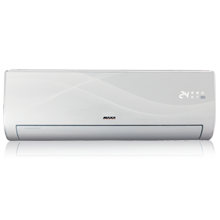
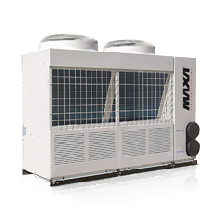
A missão da Dera é oferecer a mais recente tecnologia de conforto climático. Somos especialistas em equipamentos Maxa vamos...

As oscilações térmicas entre estações do ano, tal como a necessidade de uma eficiente produtividade e bem-estar...

A DERA,Lda. está no mercado dos equipamentos para transformação de materiais termoplásticos, desde 1978.Fruto desta...

O Serviço de assistência técnica da Dera, lda surge como resposta às exigências dos nossos Clientes, reflexo de...

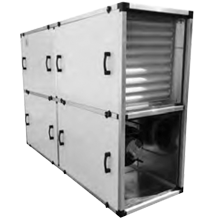
Na manutenção das instalações de AVAC é importante preservar o bom estado dos equipamentos e sistemas para...
NOTÍCIAS
29
Oct
Os nossos colaboradores estiverem recentemente numa formação na Hilti sobre o tema "selagens de compartimentação...
19
Feb
E com grande prazer que anunciamos uma parceria na área dos painéis solares com a marca AEG. Startseite - AEG Industrial Solar...
6
Oct
Iluminação Led. Terminamos hoje o processo de substiuição da iluminação nas nossas...
30
Jun
O site Magg em https://bit.ly/2NEj8TD publicou recentemente uma clarificação da DGS relativamente ao uso do ar condicionado em tempos...
Subscreva a nossa Newsletter
RUA BARROCO, 214, ARM B
4465-591 LEÇA DO BALIO
PORTUGAL
ENVIE-NOS UM EMAIL
4465-591 LEÇA DO BALIO
PORTUGAL
ENVIE-NOS UM EMAIL